Breaking News



Popular News



Enter your email address below and subscribe to our newsletter
Virtual Assistant Blog
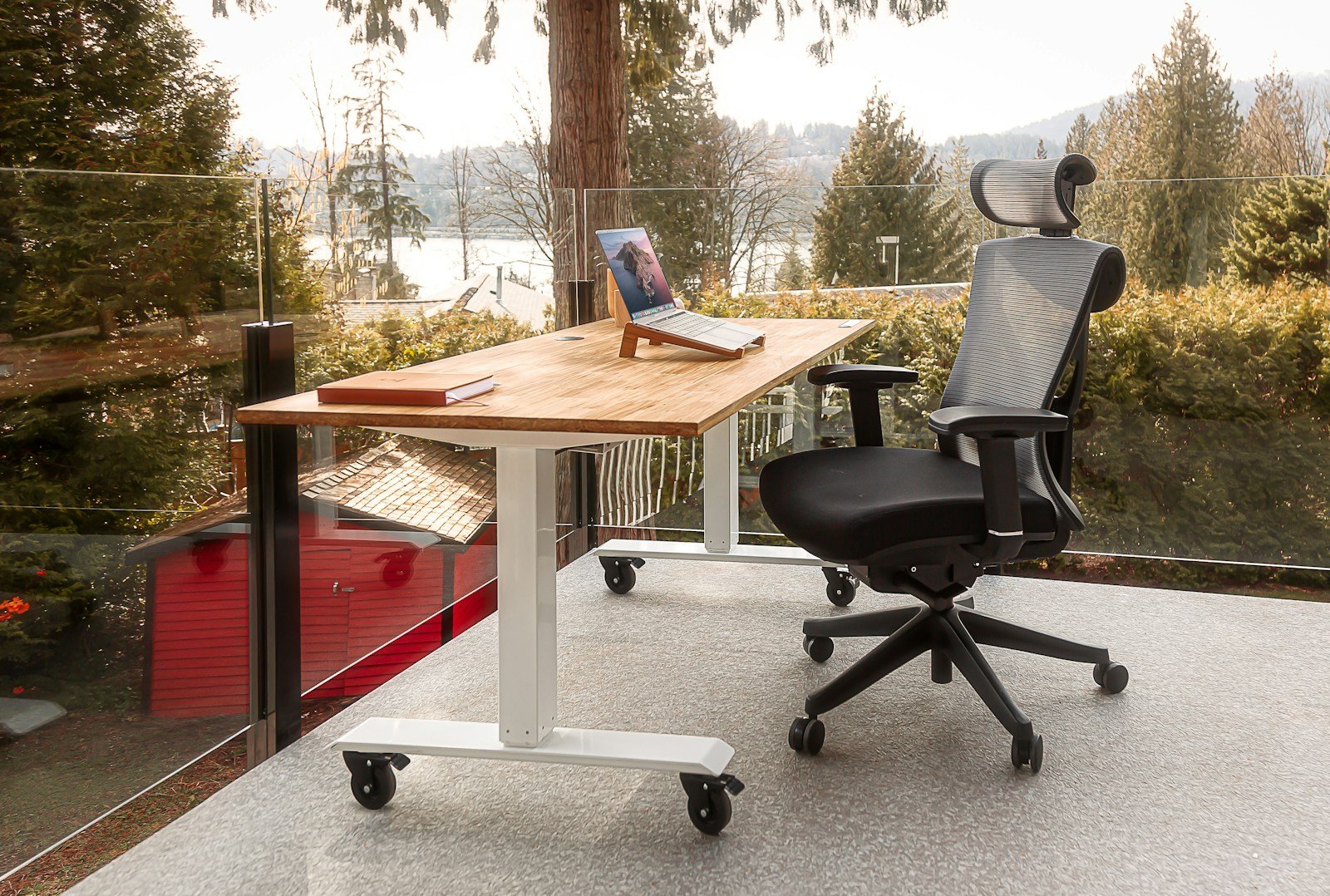
After dealing with constant back pain from working at home, I redesigned my workspace using simple ergonomic principles. This post shares my home office setup and the adjustments that made a real difference.
When I first started working remotely full-time, I thought a laptop and a chair were enough. Within months, I was dealing with persistent lower back pain, neck stiffness, and wrist strain—classic signs of a poorly designed workspace. As a virtual assistant spending 6–10 hours a day at my desk, something had to change.
This article walks you through my ergonomic home office setup, the exact adjustments that made the biggest difference, and how you can build a back-friendly workspace without overcomplicating it.
If you work online for a living—especially as a virtual assistant—your body is part of your business. Poor ergonomics can lead to:
Ergonomics isn’t about fancy furniture. It’s about supporting your body in a neutral, natural position so you can work comfortably for years, not just months.
The single biggest upgrade I made was investing in a proper ergonomic chair.
What I looked for:
Once my lower back was supported correctly, the daily pain disappeared within weeks. If your budget is limited, prioritize a good chair over everything else—it matters more than the desk.
Desk Height and Monitor Positioning
A surprising amount of back and neck strain comes from looking down all day.
My setup adjustments:
This simple change eliminated neck tension almost immediately. Your eyes should naturally land on the top third of the screen—no tilting your head forward.
Small accessories made a big difference over time.
What I use now:
My wrists stay neutral instead of bent upward, which reduced hand fatigue and prevented repetitive strain—especially important for heavy typing, inbox management, and data work.
I didn’t realize how much foot positioning affected my back until I fixed it.
Ideal posture checklist:
I also do a quick posture check every hour. If you have to “hold” your posture, your setup needs adjusting.
Lighting and Screen Comfort
Eye strain often leads to poor posture—leaning forward, hunching, and tension.
My lighting setup:
Comfortable lighting keeps you sitting back instead of creeping toward the screen.
Even the best setup won’t save your back if you never move.
What helped most:
Ergonomics supports your body—but movement keeps it healthy.
If you work remotely and your back hurts, don’t ignore it. Pain is feedback.
You don’t need a Pinterest-perfect office or expensive gear. You need:
Fixing my ergonomic setup didn’t just save my back—it improved my focus, energy, and ability to work consistently for clients.
Your home office is not just where you work—it’s where you protect your health and your income. Start with one adjustment, then improve gradually. Your future self (and your back) will thank you.
A: Your chair should be the top priority. A chair with proper lumbar support and adjustable height has the biggest impact on reducing back pain. Even with a basic desk or laptop setup, supporting your lower back correctly and keeping your feet flat on the floor can significantly improve posture and comfort during long work hours.
The Nomad Reality: Balancing 8 Years of Remote Work and Travel.